
Compatibility
Minecraft: Java Edition
Platforms
Supported environments


Tags
Creators
Details
RAISED
Move around your HUD and fix the broken hotbar selection indicator!
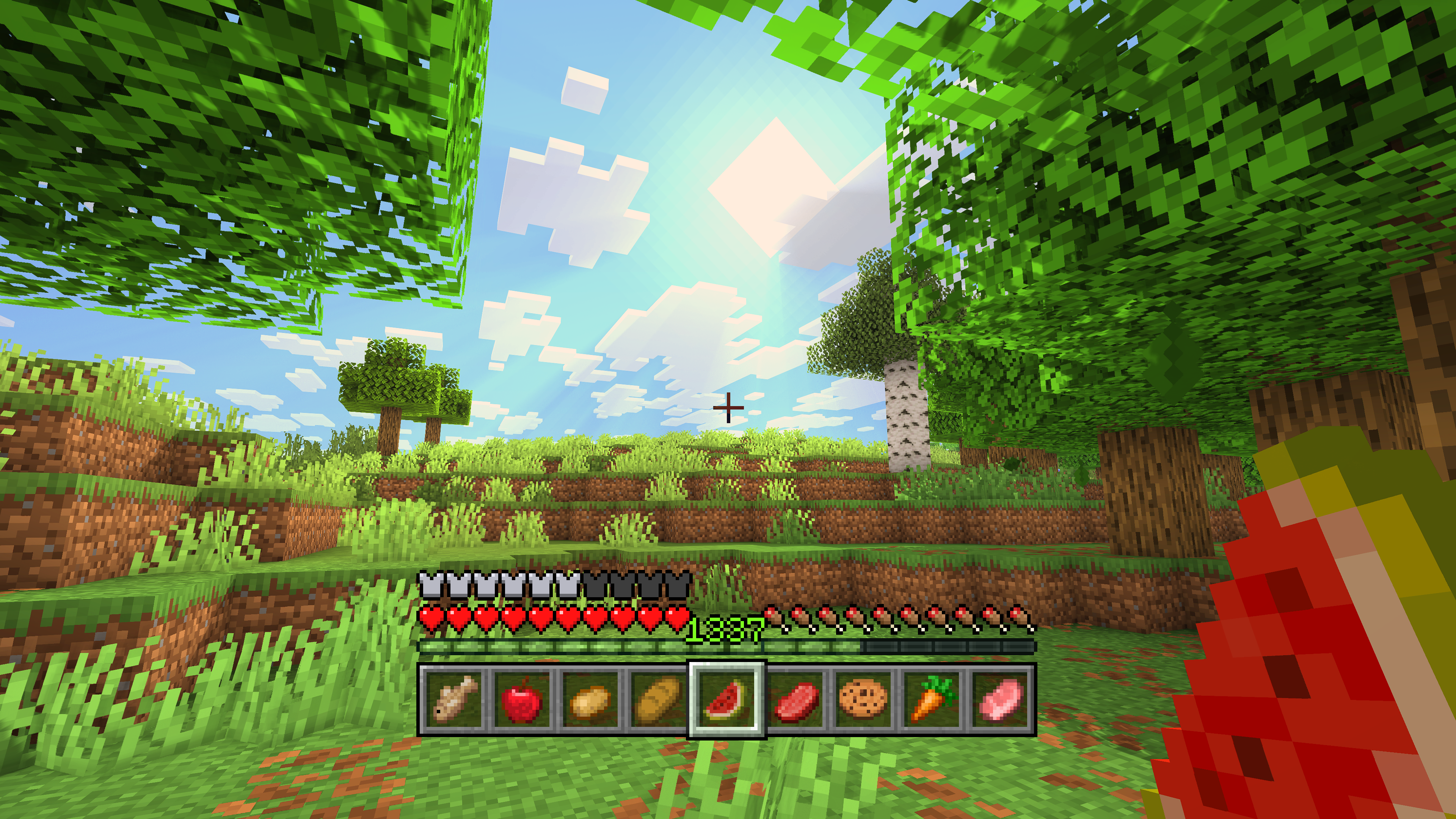
Restore the selection indicator!
Since time immemorial, the hotbar selection indicator has been broken. With vanilla textures, you may not have noticed it, but it becomes clearly visible with certain resource packs. Raised seeks to fix this.
How it is fixed depends on your game version:
- (1.16 - 1.20.1): Raised simply adjusts the height of the indicator in the code to show the entire texture, instead of it being cut off short on the bottom by 2px. Thus, all 24px oh height are drawn on the screen!
- (1.20.2+): When Mojang broke up the GUI atlases into individual sprites, they "fixed" the selection indicator, but made the actual texture only 23px! Because Java Edition has the hotbar shoved all the way down to the bottom of the screen (unlike Bedrock), it looks fixed... that is, until you want to move around the GUI with Raised! In these versions, you have several options to restore the indicator...
- Replace the selection texture with a custom one under Raised's namespace that is a square 24px.
- Patch the vanilla indicator by drawing the topmost pixels below it, vertically mirrored. Without explicit resource pack support, you can still emulate a fixed indicator.
- Automatically replace or patch, depending on if you have a loaded resource pack that supports Raised.
- Do nothing and enjoy a broken hotbar selection indicator!
To show off your fixed hotbar selection indicator, Raised positions the hotbar stack slightly off the bottom of the screen, just like in Bedrock! But you are not limited to only that...
Move around the HUD!
Raised gives you the power to move around both vanilla and modded HUD layers!
Simply create a group and set its x-axis and y-axis offsets. Add as many layers to the group as you like, and they will all move the same amount! Set the position for each layer individually to choose which way the layer will move across the screen!
Working with mods!
Raised allows mods to register layer entries for their own HUD overlays. Layers can be manually registered, but many are automatically registered without mods having to do anything at all!
How does this work? Any mod that registers a (Neo)Forge overlay is automatically captured and added to Raised's layer registry and placed in your config!
If a mod renders an overlay solely via a (Neo)Forge render event, it will not have a Raised layer automatically registered. However, it will move along with the vanilla layer that it renders with.
Fabric is unfortunately the wild west of HUDs, as it lacks any sort of registry and only has one global render event for the entire HUD. For more information, see the wiki.
Set it up however you like!
You can edit the groups and layers directly from the config, from a suite of commands, or from the options screen (openable via keybind or from a button on the (Neo)Forge mods screen).
Please note that using the options screen limits the amount that a layer may be offset to accommodate the use of slider controls (they need min/max values). Use commands or directly edit the config if you want to override this necessary limitation!
Get the goods!
You can find releases of Raised on both Modrinth and CurseForge and also access development builds on GitHub!
Raised supports Fabric 1.16+, Forge 1.16+, and NeoForge 1.20.2+.
Figure it all out!
You can delve into the wiki for details or submit a bug report if something isn't quite right!
Still need something? Head on over to the discussions forum for support, to read announcements, or discuss anything about the mod!